
Hierarchy Data Filters:
|
Note: Each Hierarchy (and other) data filter option operates independently. When applying multiple selections for the same hierarchy filter option, the results returned will include only records that match (IS) or do not match (IS NOT) ANY of the filter selections. When applying multiple different hierarchy filter options (hierarchy node(s), plus hierarchy tag(s) for example), the results returned will include only records that match ALL filter criteria. For more information about Global Filters within the Intouch platform, please refer to our documentation here. For more information about Hierarchies within the Intouch platform, please refer to our documentation here. |
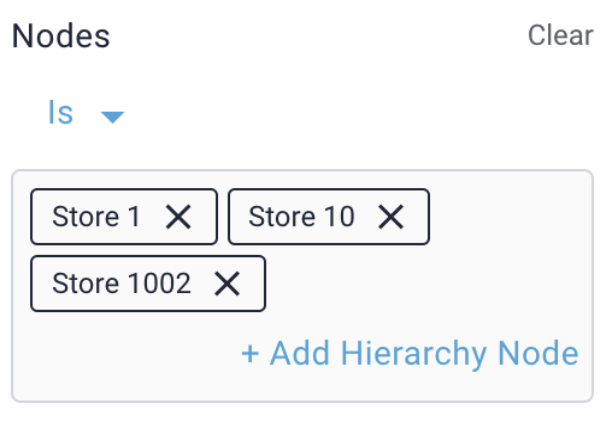
Hierarchy Node as a Filter:
The data returned will include results that are (IS) or are not (IS NOT) from the selected node(s). For example, using the ‘IS’ condition, if a location node is selected, all results will be isolated to the location selected. Likewise, using the ‘IS’ condition, if a district node is selected, the data returned will include results from all locations that branch the selected district.
When using the ‘IS’ condition, when multiple nodes are selected the data returned will include results from any nodes selected.
When the ‘IS NOT’ condition is used, the data returned will include all results that are NOT from any nodes selected.
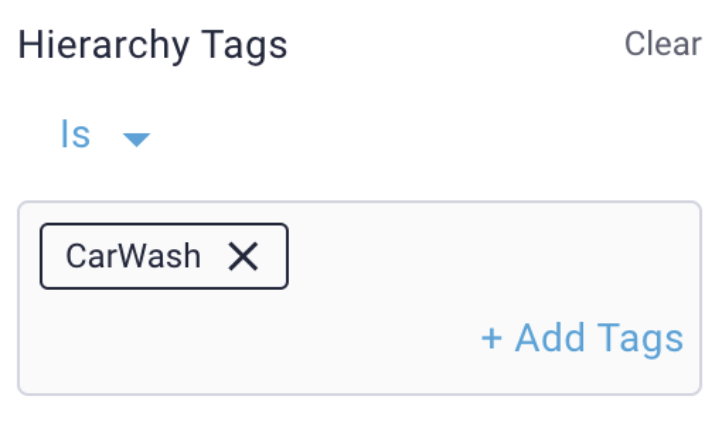
Hierarchy Tag as a Filter:
As each record is received in Intelligence, the record will have all tags that have been applied to the hierarchy node the record belongs to applied to the record as well. For example, if location 1 has the tag called ‘CarWash’ applied to it, each record that is received for location 1 after the CarWash tag was applied to the location will have the Hierarchy Tag “CarWash” associated with it.
When using the ‘IS’ condition, the data returned will include all records that have had ANY of the selected hierarchy tags applied.
When using the ‘IS NOT’ condition, the data returned will include all records that DO NOT have ANY of the selected hierarchy tags applied.
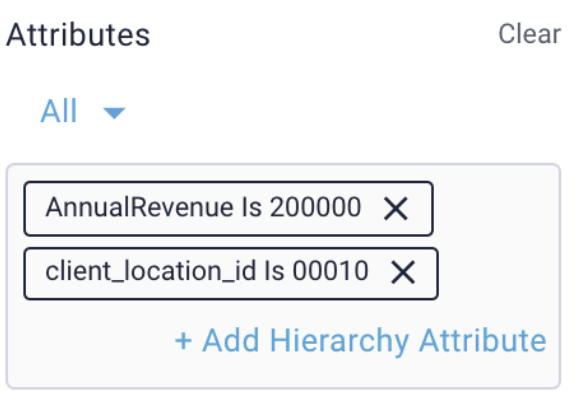
Hierarchy Attribute as a Filter:
When a record is submitted for a specific hierarchy node and received in Intelligence, all attributes that have been applied to the hierarchy node will be applied to the record.
For example, if location 1 has the attribute ‘AnnualRevenue’ with a value of 200000 applied to it, each record that is received for location 1 after the ‘AnnualRevenue’ attribute was applied to the location will have the Hierarchy Attribute key value pair “AnnualRevenue:200000” associated with it.
When the ‘ANY’ condition is used, the data returned will include records that match any of the selected hierarchy attribute key value conditions applied.
When the ‘ALL’ condition is used, the data returned will include records that have had ALL of the selected hierarchy attribute key value conditions applied.
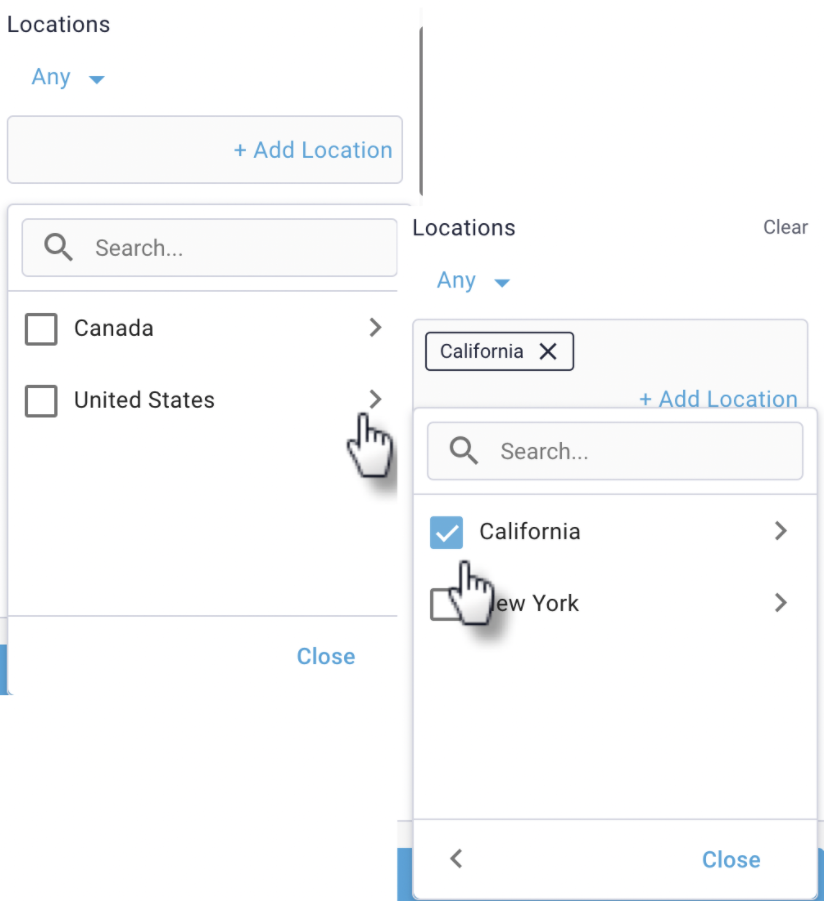
Hierarchy Address (Country/State/City) using ‘Locations’ as a filter:
As each record is received in Intelligence, the record will have all physical address details that have been applied to the hierarchy node the record belongs to applied to the record.
The Hierarchy Location filter can be used to filter for data from a particular country/countries, State(s)/Province(s) or Cities via a drill-down selector.
When the ‘ANY’ condition is used, the data returned will include records that match any of the selected address conditions applied.
Comments
0 comments
Please sign in to leave a comment.