
To view the list of external programs that have been set up for your organization, or to create a new external program, go to IQ and click on the Settings icon in the left-side navigation menu.
Then click on External Programs.
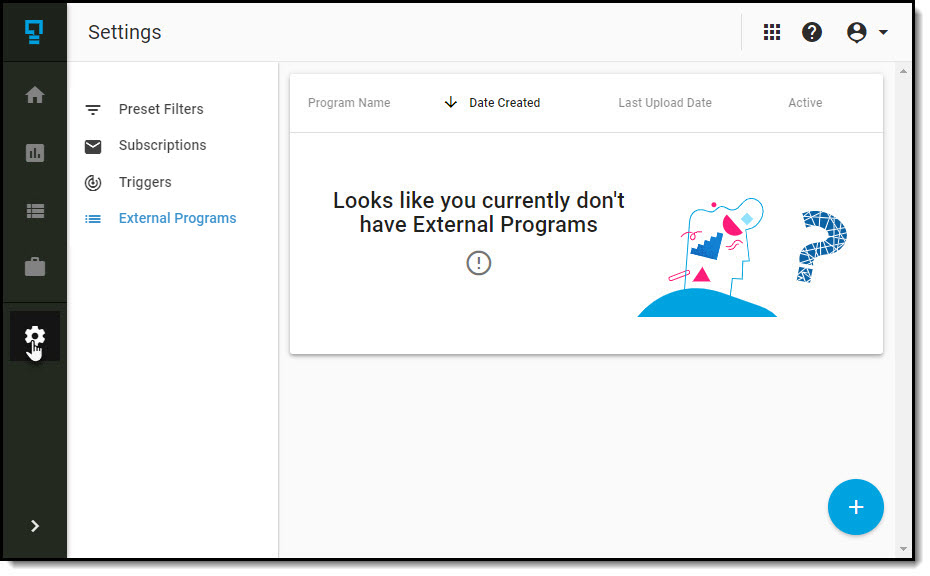
In the list, you will see the:
- Program Name
- Date the program was created
- Date the last data upload was completed
- The status of the program (Active/Inactive)
From this list you can create a new external program, or edit an existing program.
Comments
0 comments
Article is closed for comments.