
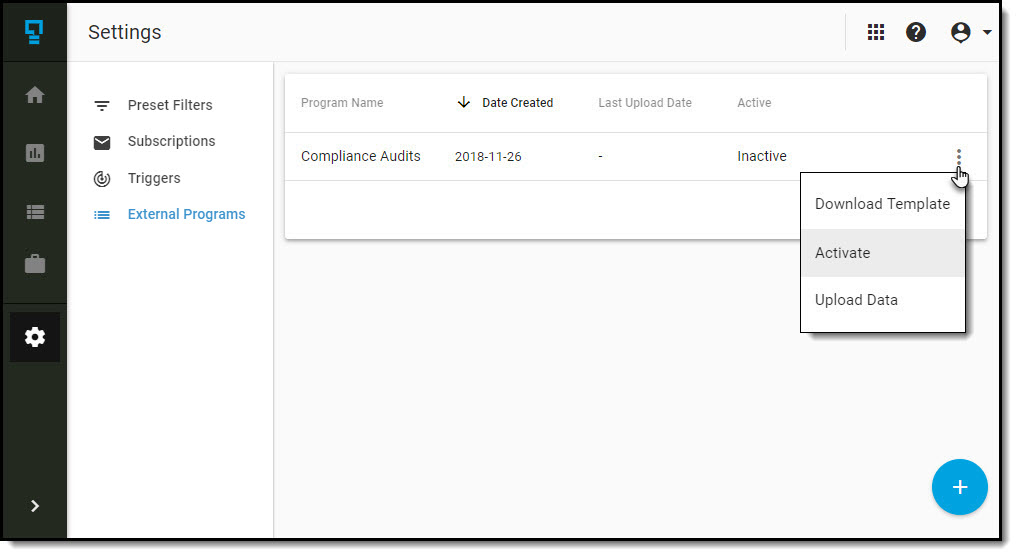
In order to see the data for your external program in the reports, you must make the program active.
Navigate to the External Programs list, and click on the triple-dot menu for the program, and then click on Activate.
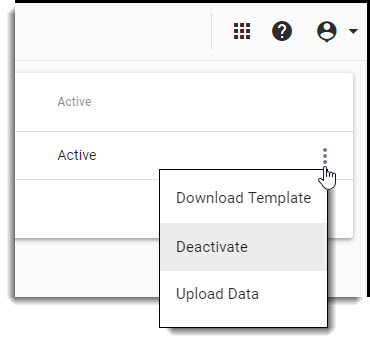
Deactivate an active external program to hide it from the reports.
Comments
0 comments
Article is closed for comments.