
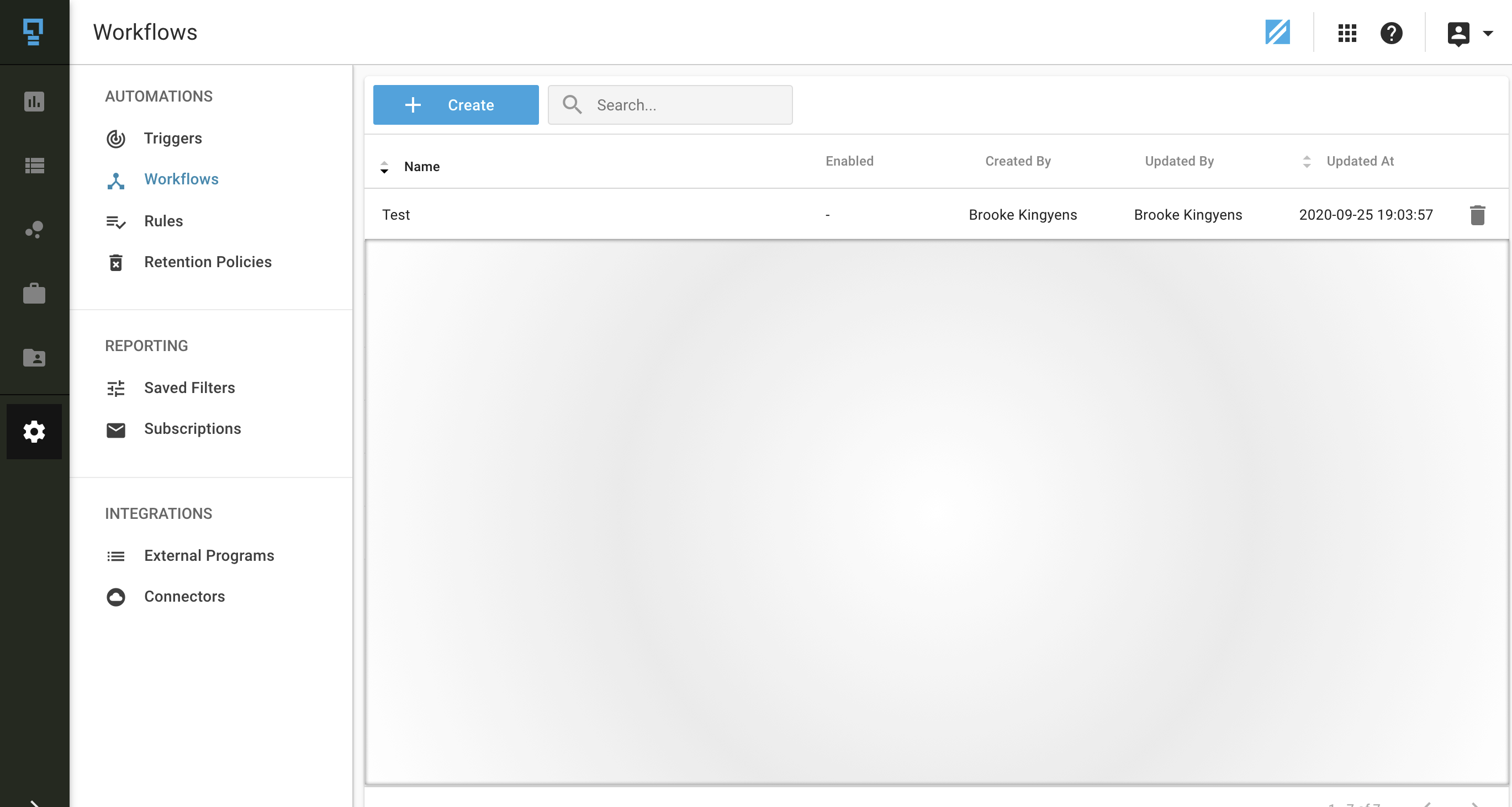
To create a new workflow, navigate to the workflows list, and click on the '+ Create' button at the top of the listing.
- Enter the Workflow Name - you will want to use a name that describes the workflow. For example, you could include the program name and condition details. E.g. Merchandising Audit Score <50%.
- Add a Description - add a brief description of the workflow.
- Select the Products that will serve as data sources for the workflow.
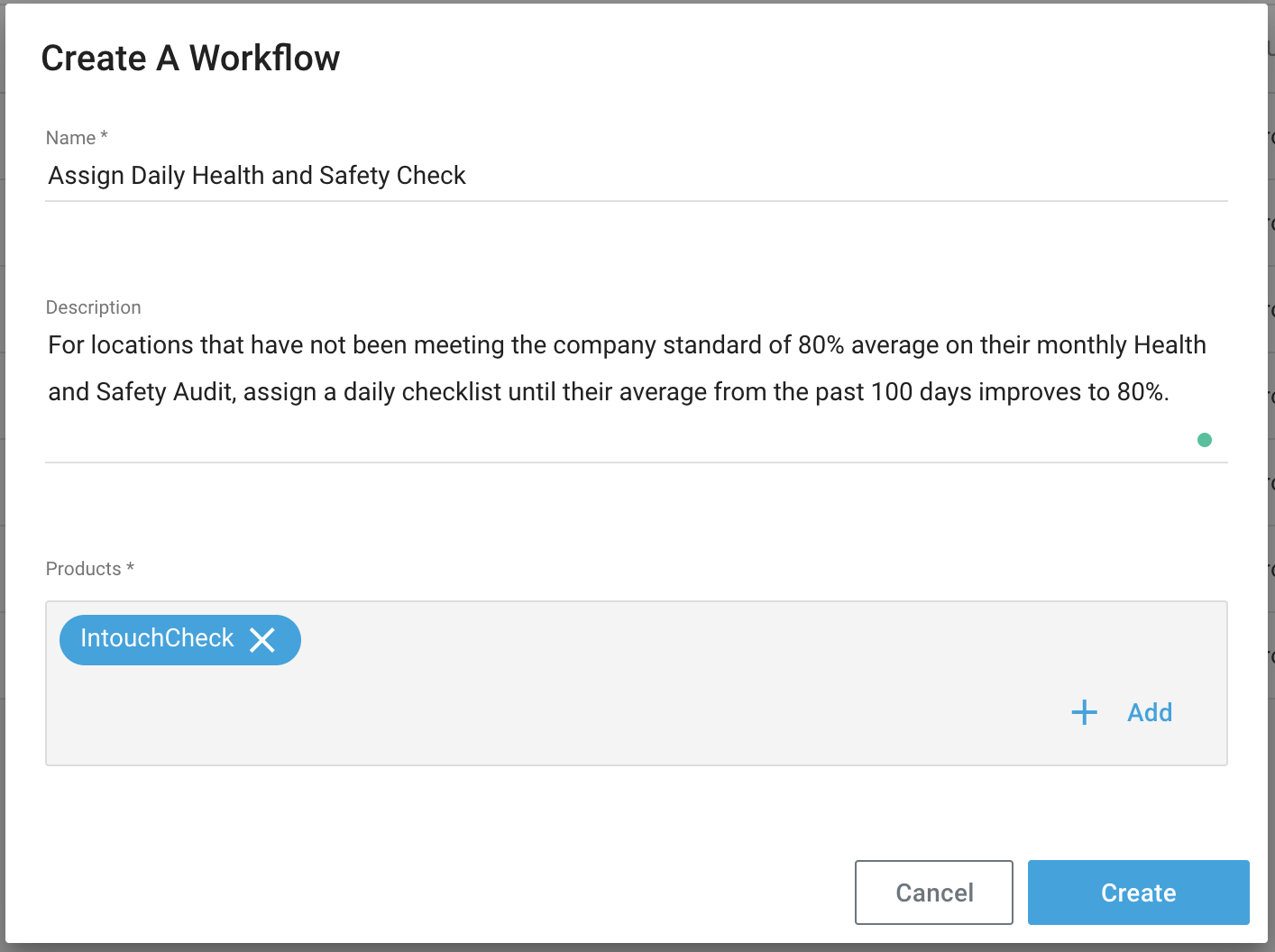
- Click the 'Create' button.
- Select the frequency at which the workflow will run (this is how frequently your 'action' will be required).
- Select the frequency Daily, Weekly, Monthly, Quarterly
- Select the recurrence (everyday/weekend for 'Daily', day of the week for 'Weekly' etc)
- Select the appropriate time and timezone
- Select your settings for the workflow
- Condition - what must be true for the action to be created?
- Condition: Duration/Record Count/Score Percentage/Sentiment Score
- Operator: less than, greater than, etc
- Value
- For Duration, this is # of minutes
- For Record Count, this must not be 0
- For Score Percentage, the value is between 0 and 100
- For Sentiment score, the value is between -1 and 1
- Locations - either evaluate all locations or specified locations in the hierarchy against the workflow condition
- Lookback Period - analyze the data from a specific date, until a specific date, or for a dynamic (rolling) period of X days.
- Condition - what must be true for the action to be created?
- Select any Data filters that may apply to your workflow:
- Should this workflow look at only records from specific programs or records that have a specific tag or hierarchy attribute associated with them?
- Select the action(s) to be performed each time the workflow is executed (based on the set frequency)
- Create/assign a case for the location
- Create a Check audit for the location (select program)
- Save your workflow
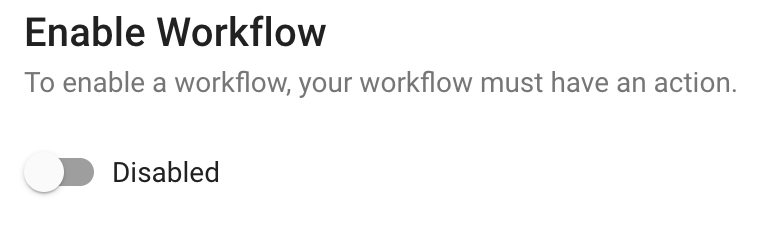
- Important! Be sure to open the workflow and enable it when you are ready to start running this workflow.
Comments
0 comments
Article is closed for comments.