
Edits made to a shared dashboard are visible to all users. We recommend you make a copy of a dashboard if you do not want to affect the view for other users.
To edit a custom dashboard
- Navigate to the dashboard you wish to edit
- Click on the triple-dot menu, the select 'Edit'

- The dashboard editor will open, where you can choose from a variety of charts to
- Add new charts.
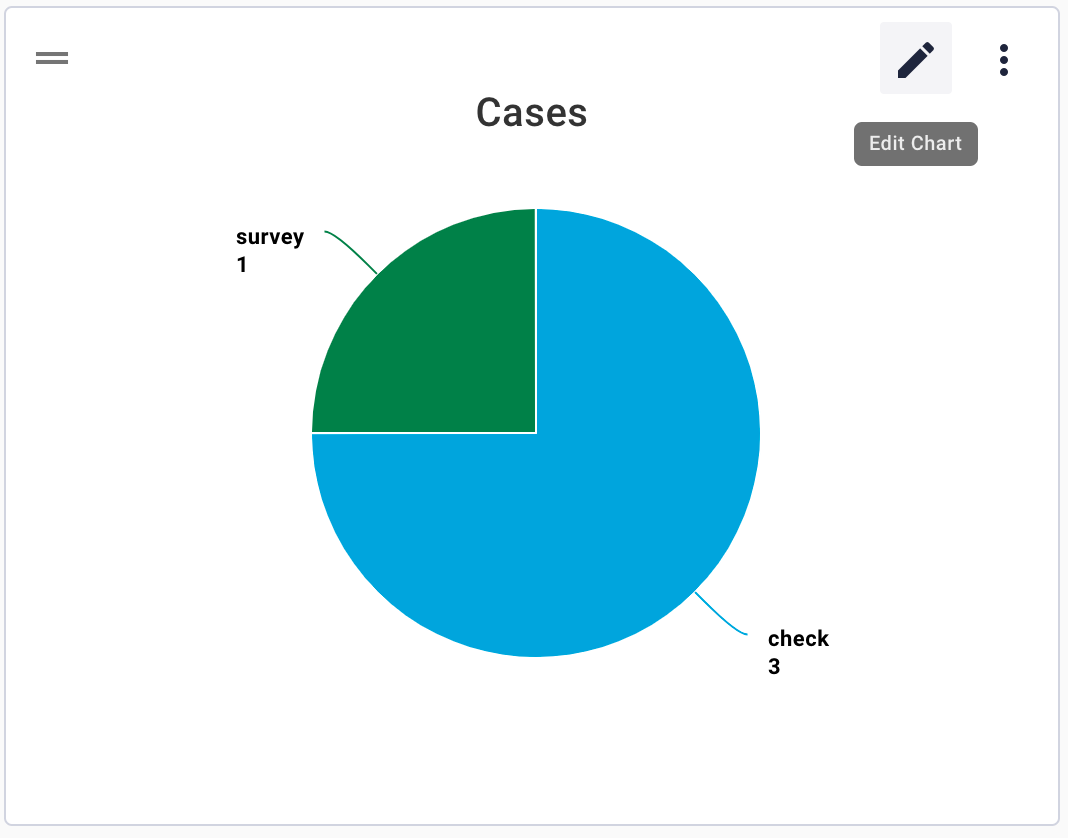
- Make changes to the existing charts by hovering on the chart and clicking the pencil icon.
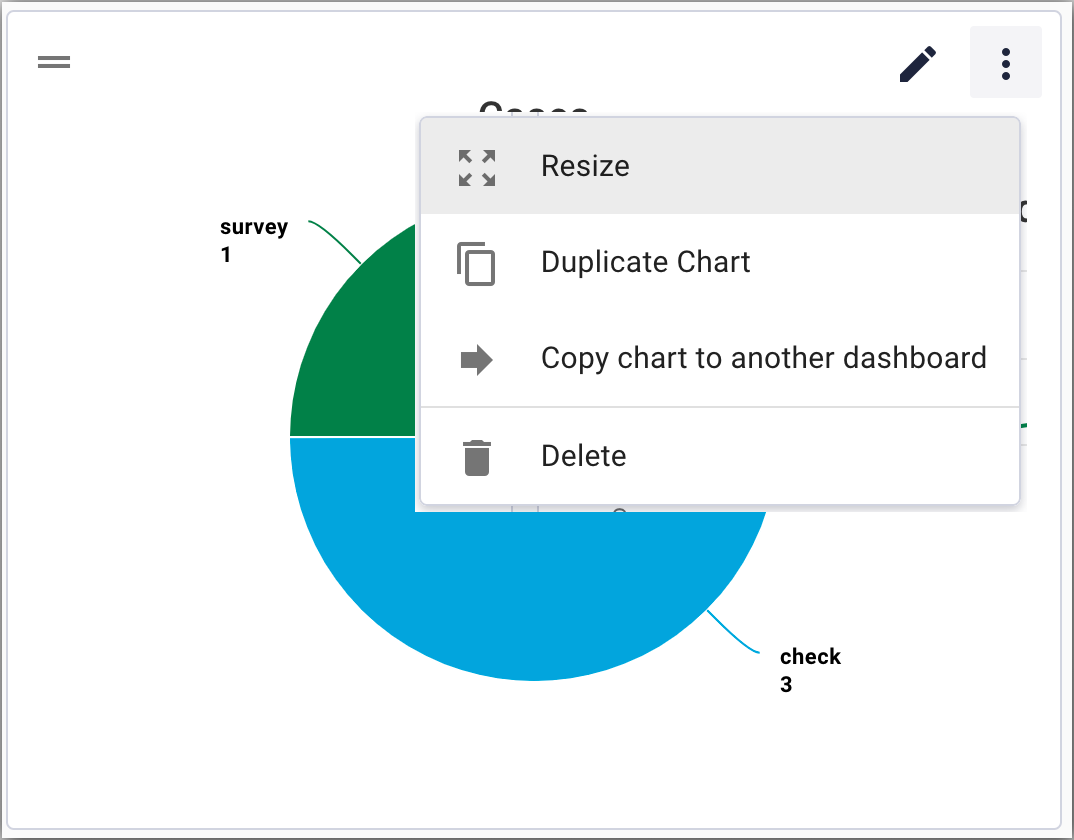
- Resize, duplicate, or delete a chart by selecting the appropriate option from the chart triple-dot menu.
Comments
0 comments
Article is closed for comments.