
If you have a dashboard or records list view that you frequently visit, you can favorite the view so that it appears in the Favorites widget on the Overview page, and in the "Favorites" list.
- Navigate to the view you would like to favorite
- Click the star icon located in the upper right corner of the view
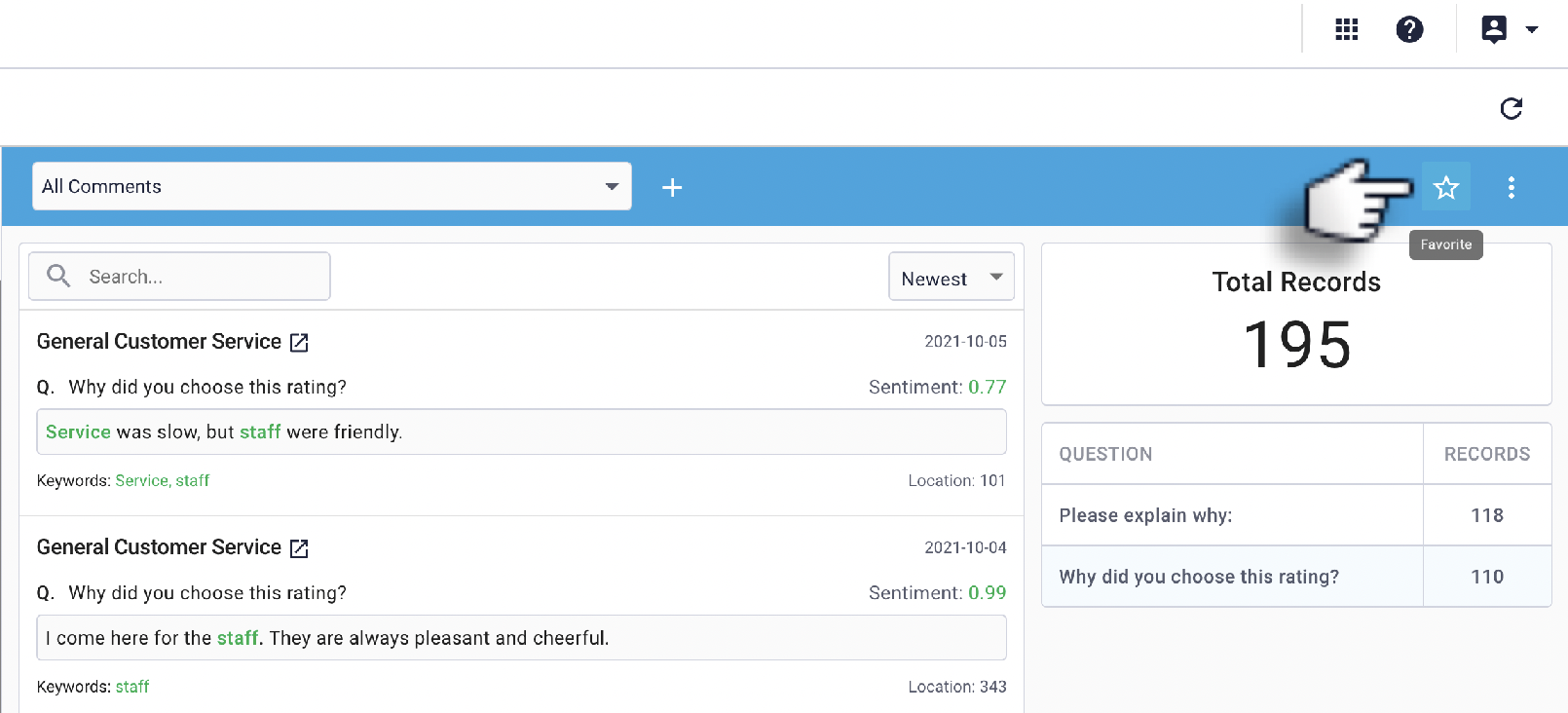

Solid Star: The view has been added to your favorites 
Outlined Star: The view has NOT been added to your favorites
Once added to your favorites, you can click the solid star icon to remove the view from your favorites.
Comments
0 comments
Please sign in to leave a comment.