
To download the template you will use to import your data for an existing external program, navigate to the External Programs list, and click on the triple-dot menu for the program, and then click on Download Template.

The template will download as a .csv file.
Do not change the file type; only .csv files can be imported.
Example of External Programs Template
You can then populate the template with your data, so that you can import the records and view them in the reports.
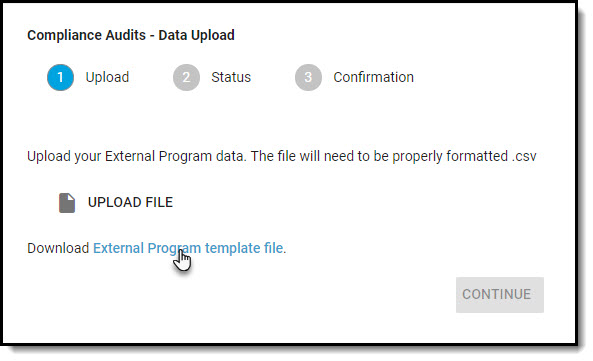
You can also download the template from the Upload Data interface.
Comments
0 comments
Article is closed for comments.